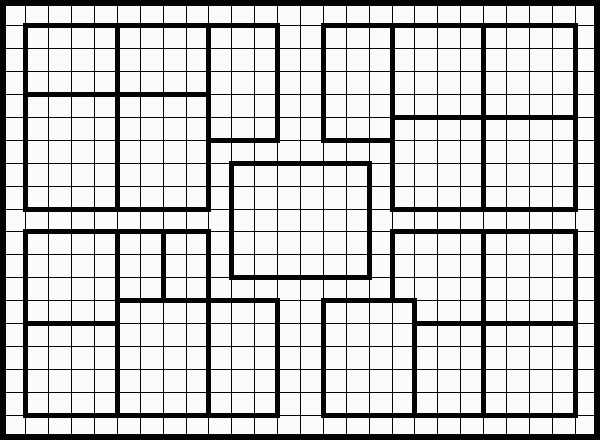
This tool allows you to create, edit, and share custom HeroQuest dungeon maps. You can design the layout from scratch, place furniture and monsters, and print or save your creations.
Create your custom dungeon layout by painting tiles onto the grid.
If you have a background image loaded (e.g., the original board), the editor adds a transparency layer so you can trace over it accurately.
Fine-tune the contents of your dungeon by placing and modifying individual items.
Open the Asset Library to drag and drop new Monsters, Furniture, Doors, and Walls into your dungeon.
Saves your quests to your browser's local storage.
Share your creations with other users!
| Action | Input |
|---|---|
| Paint Tile | Left Click |
| Erase Tile | Right Click |
| Move Item | Left Drag |
| Rotate Item | Mouse Wheel (while dragging) |
| Delete Item | Right Click |
| Pan Preview | Left Drag (in Vaults) |
Create an account to share quests and rate community content.
Message goes here
Are you sure?
Choose which items can appear in randomly generated quests. Unchecking an item removes it from the generator pool.